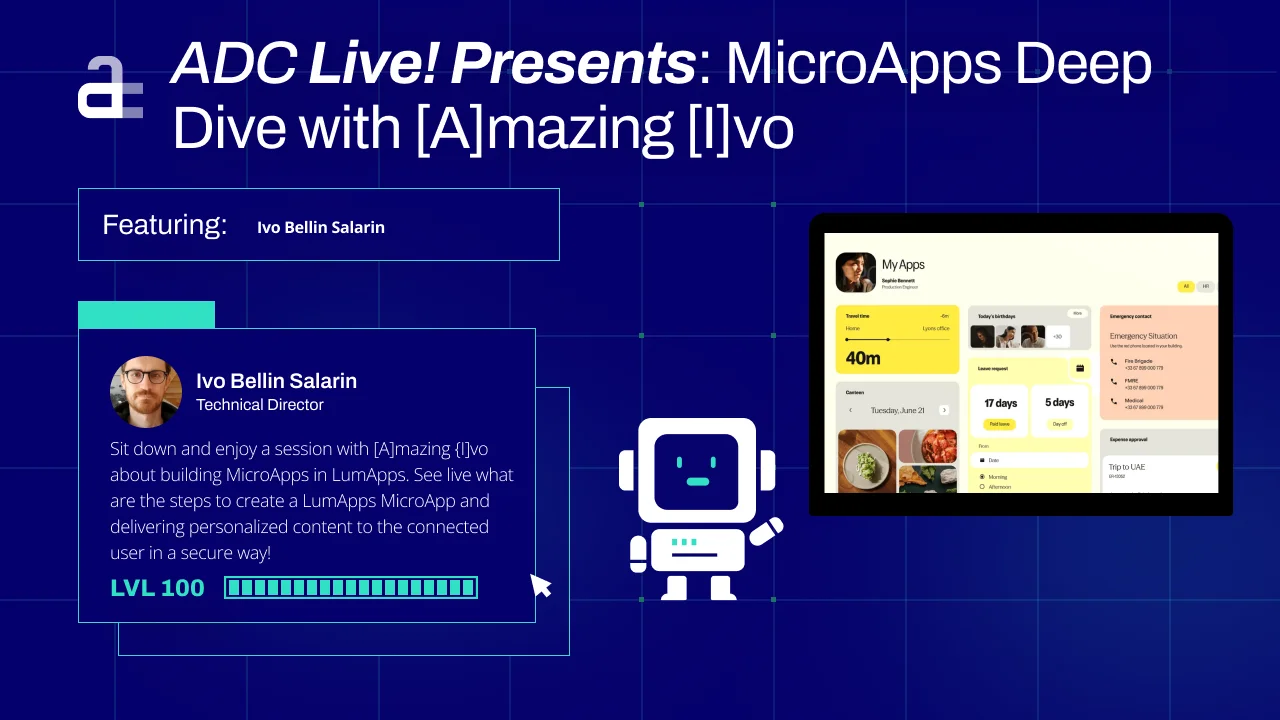
Watch the replay of our MicroApps deep dive with ADC Technical Director Ivo Bellin Salarin. We cover why LumApps MicroApps are so easy to build and share, how connectors and the execution sandbox keep your secrets safe while delivering personalized content, a live build of a widget and an Ask AI MicroApp, and an honest look at their limits. It also includes a pro tip on the hidden analytics power of the LumApps user directory.
The replay of our October ADC Live! episode is now available. This time, ADC Technical Director Ivo Bellin Salarin took the stage solo for a deep dive into LumApps MicroApps: what makes them technically impressive, how to build one in minutes, and where they fall short.
MicroApps have been one of the most talked-about LumApps technologies of the last two years, and there's no shortage of introductions out there. So rather than repeat the basics, Ivo shared an honest, personal take from a developer's point of view: why he reaches for MicroApps, and when he doesn't.
Here's what we covered, and why it matters for your LumApps platform.
Why MicroApps stand out
Ivo walked through the strengths that make MicroApps worth a serious look:
Easy to design. MicroApps are built in a no-code designer right in your browser. A first MicroApp takes just a few clicks.
Easy to share. A MicroApp is a single JSON file. Download one from the official LumApps MicroApps catalog, or from another organization, and import it into your Developer Portal. The only contract between the two organizations is that they have the same kinds of connectors and the same feature flags enabled.
Connect to almost anything. LumApps offers a long, growing list of connectors to third-party products, plus an “other” option for any API that uses basic authentication, an API key or OAuth 2. In practice, that covers just about every API published in recent decades.
Native look and feel. MicroApps are built on Microsoft's Adaptive Cards standard, but adapted to look like native LumApps. They can live in two places: in a widget on any page, or as a panel in Ask AI.
Personalized and secure by design
The authentication method you pick shapes what your MicroApp can do. With an API key, every call runs under one shared identity, so the MicroApp looks the same for everyone. With OAuth 2 and delegated identity, the MicroApp acts on behalf of the connected user and can show content personalized to them.
Every connector needs a secret, whether that's a client ID and secret, an API key or basic credentials. Are those secrets at risk? Not at all, thanks to what Ivo calls the technical masterpiece of the implementation: the execution sandbox. API calls, JavaScript and logic all run on LumApps' own servers, with permissions that let the MicroApp read the secrets stored in your connectors. Those secrets never reach the browser, which matters when you're connecting LumApps to systems where security is critical.
Live demo: from draft to Ask AI
Ivo then built MicroApps live in the LumApps Developer Portal:
Create. Click New Extension, choose MicroApp, give it a title and set its visibility to public or private.
Test without publishing. A draft MicroApp is available right away in your sandbox, so you can add a few building blocks, like a Hello World adaptive card, and try it immediately.
Enable and embed. Find it in your extensions library, enable it in its settings, and it's ready to add to any LumApps page.
Publish. When it's ready for production, submit it from the editor.
Make it an Ask AI MicroApp. Select the Ask AI component and add an input variable named query to the start step; it receives what the user searched for. This requires the right feature flags on your organization.
Wire it into Ask AI. In Ask AI, add a new source of type Ask AI MicroApp, then create a rule that sends matching queries to it. In the demo, typing “hello” triggered the MicroApp, and its output appeared right at the top of the search page.
That means whatever source you connect through a MicroApp can show up in search, right where employees are already looking. That's very powerful.
The honest part: where MicroApps fall short
No tool is perfect, and Ivo closed with the trade-offs to keep in mind:
No code means no tests. Once a workflow grows past a certain size, it becomes fragile and can break when any one piece stops working.
No control over copies. Because a MicroApp is so easy to copy and paste, you can't stop it from being shared with another company using the same tools.
No analytics. Full widget extensions let you see which widgets are being used; MicroApps don't.
A smaller design toolkit. The LumApps design system is huge. Adaptive Cards offer only a fraction of it; the date picker, for example, has two variants in LumApps but a single date input in Adaptive Cards.
Where we can help
MicroApps are a great fit for lightweight, personalized experiences. When a use case outgrows them and needs testing, analytics, richer components or tighter control, a full widget extension is often the better path, and that's exactly what we build. We have more than thirty extensions on the LumApps marketplace, plus many more available privately on request. Browse them on our documentation site, or contact us to talk through your use case.
Let's talkComing up next
In upcoming episodes, we'll cover LumApps roles, then LumApps templates and content types, and we'll return to today's pro tip for a deeper look at the hidden powers of the LumApps user directory.
Watch the replay
Catch the full episode now, and tell us what you think. Visit the ADC partner space on the LumApps Hive and use the feedback button at the top. Have a question about anything we covered? Reach out to your LumApps CSM or contact us directly. We'd love to help.